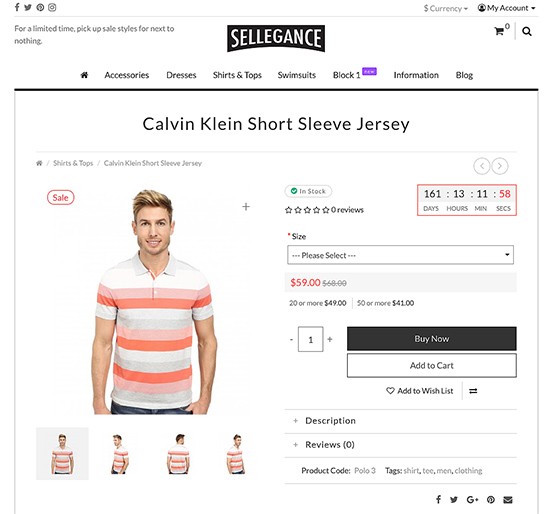
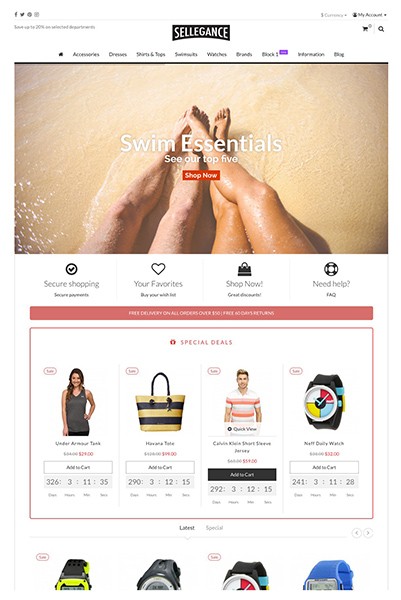
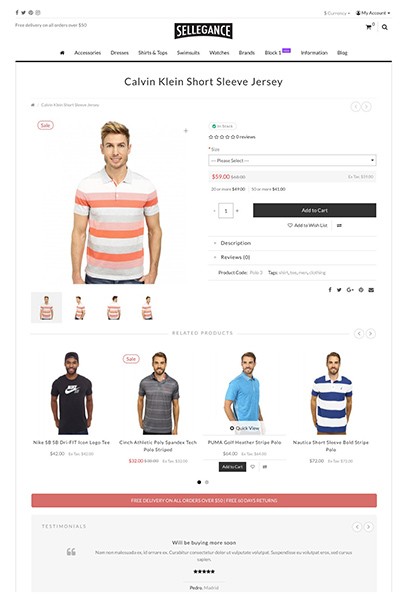
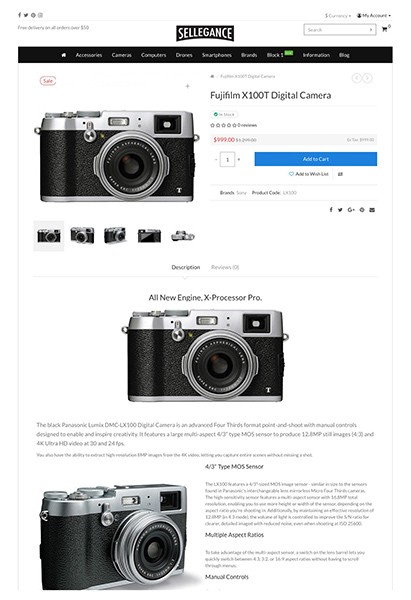
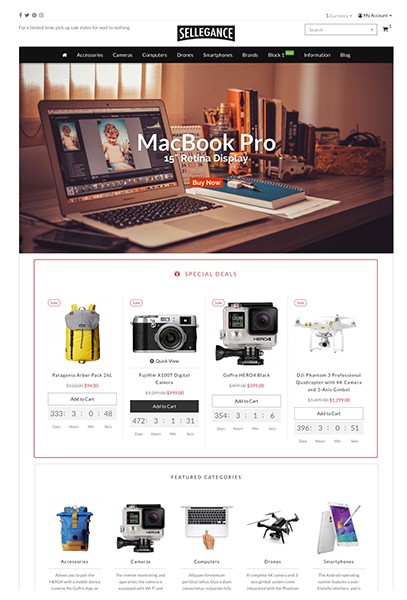
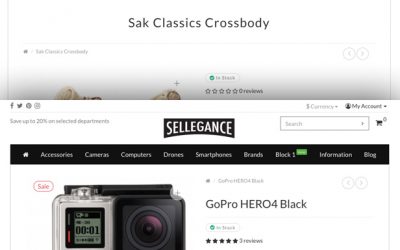
If you want to change the default header layout to display a full width logo just install the following vqmod extension.
Sellegance
Sellegance 1.4.4.1 (OpenCart)
Sellegance 1.4.4.1 for OpenCart NEW Compatible with OpenCart 1.5.5.1 Added support for 3 columns on some layouts Added full background option. Background image will cove the whole page in every device. Updated Previous/Next Product extension. Now it will cycle on the … Continued
Google Rich Snippets
Product rich snippets is to provide users with additional information about a specific product, such as the product’s price and reviewer(s) ratings and commentary. Attract potential buyers while they are searching for items to buy on Google. Submit your product … Continued
Sellegance 1.4.3 (OpenCart)
UPDATE Sellegance 1.4.3.1 This update is to fix the alignment issues when there are more than 12 items per page on category view. If your products don’t have alignment problems, you don’t need to update. Fixed products alignment of category … Continued
Display Weight and Size in product details
If you want to display the weight and size (lenght/width/height) on the product details page just upload the following file to your vqmod/xml folder: Product dimensions This is the code: Change the units from line 25 to 28.
Sellegance for OpenCart 1.4.0
New Sellegance for OpenCart 1.4.0 A new release with important changes: Added option to enable/disable responsive layout Added Nivo Slider Added previous/next product (vQmod) Added custom body classes for advanced customization (vQmod) Added Facebook Like Button Supports responsive videos Moved … Continued
Replace the “sale” bubble with your own image in Sellegance theme
It’s easy to change the “SALE” text in the bubble in Sellegance theme with your own image. Paste the following in catalog/view/theme/sellegance/stylesheet/custom.css If you only want to add a background image and keep the text remove text-indent: -9999px; The full … Continued
Sellegance 1.3.4
A new version is out with important updates. Improved compatibility with RTL languages. A new stylesheet will be loaded (stylesheet.rtl.css) when a RTL language is used. Files changed: header.tpl, stylesheet.rtl.css In a previous version the code loading extra links like … Continued